MergeIT - Teknisk partner indenfor softwareløsninger og rådgivning i København

Vi bygger digitale løsninger til det, der holder din virksomhed tilbage

VORESFORMÅL
Vi bygger software, der løser rigtige problemer.
Og sørger for, at den faktisk bliver brugt.

- 01
Udfordringen
AI har gjort teknologi til allemandseje, men det kræver stadig dyb faglighed at træffe de rigtige valg omkring arkitektur, sikkerhed og skalerbarhed. De nye værktøjer er nemme at komme i gang med, men de er desværre mindst lige så nemme at bruge forkert.

- 02
Muligheder
Udvikling, der plejede at kræve et helt år, tager nu blot få uger, og millionbudgetter er kogt ned til en brøkdel. Teknologien er blevet demokratiseret og har revet de mure ned, der tidligere forbeholdt de bedste værktøjer for tech-giganterne.

- 03
Den nye standard
Vi er bygget til præcis denne virkelighed. For os er moderne teknologi ikke noget, vi skal tilpasse os - det er vores hjemmebane. Vi arbejder på at forstå virksomheders virkelighed og hjælpe med at udvikle løsninger der faktisk fungerer i praksis.
Kravspec og afklaring
Udviklingsfase
Test og QA
Kravspec, afklaring og indledende prototyper
Effektiviseret udvikling og testforløb
Adoption
hurtigere leverance









OM OS
VI ER IKKE KONSULENTER
VI ER SOFTWARE ENABLERS
Vi er et softwarebureau der er drevet af innovation og ny teknologi, og vi arbejder konstant for at optimere og gøre digitale løsninger mere effektive. Vi rådgiver og bygger løsninger der rent faktisk virker i virkeligheden, fordi vi bruger tid på at forstå problemstillingen og udvikler løsningen du drømmer om.
01
Vi er unge, innovative, tekniske og direkte
02
Vi møder dig i øjenhøjde og værdsætter ærlighed i samarbejdet
03
Vi har en bred brancheerfaring
04
Vi er 100% danske. Du får en lokal partner der forstår jeres forretning
VORESTILGANG
Fra udfordring til løsning i 5 trin

01
01
Forstå udfordringerne
Vi starter med at forstå, hvordan arbejdet faktisk foregår i jeres organisation. Sammen kortlægger vi arbejdsgange, systemer og flaskehalse for at finde de steder, hvor teknologi kan skabe reel værdi.

02
02
Identificér problemstillingener
Ikke alle problemer bør løses først. Vi hjælper med at prioritere der, hvor indsatsen giver størst effekt - både for brugerne, for forretningen og for pengepungen.

03
03
Design den rigtige løsning
Når problemet er tydeligt, designer vi i fællesskab en løsning der passer til jeres arbejdsgange, systemer og data. Fokus er reducering af kompleksitet og en enkel arkitektur, der kan bygges hurtigt og skaleres over tid.

04
04
Byg i iterationer
Med moderne værktøjer og AI kan udviklingen ofte gennemføres langt hurtigere end tidligere. Vi arbejder iterativt og tester løbende, så løsningen hurtigt skaber værdi.

05
05
Adoption
En løsning skaber først værdi, når den bliver brugt. Derfor arbejder vi aktivt med implementering, feedback og tilpasning, så løsningen bliver en naturlig del af hverdagen.
HVAD VIBYGGER
Fra idé til produktion
01
AI & Automatisering
+
Vi identificerer hvor AI og automatisering skaber reel værdi - og bygger løsninger der fjerner manuelle processer og frigør tid i hverdagen.

02
Softwareløsninger & platforme
+
Vi udvikler skræddersyede web- og mobilapplikationer, backendsystmer, integrationer, interne værktøjer og digitale platforme der understøtter jeres arbejdsgange.

03
Systemarkitektur & rådgivning
+
Vi hjælper med at forbinde systemer, strukturere data og designe en teknisk arkitektur der kan skaleres sammen med jeres ambitioner.



BEHANDLERNET fik deres platform til 80% af prisen
Behandlernet havde fået et tilbud på at få leveret en løsning til et meget stort beløb. Løsningen, de var blevet tilbudt, passede ikke rigtig til deres ønsker og behov, og leverandøren virkede som om de ville levere en standardløsning frem for noget der passede til deres vision. Vi satte os grundigt ind i udfordringen og Behandlernets ønsker, og efter dialog, workshops og kravspecificering leverede vi en platform der passede præcist til deres behov til 80% af det oprindelige tilbud, uden at gå på kompromis med ambitionerne eller kvaliteten.
"Vi gik fra idé til en fuldt funktionel platform, både frontend og backend, på få uger. Processen var super effektiv, og vi blev positivt overraskede over, hvor langt vi kom for pengene."

Tobias Bjergaard
Founder @ Behandlernet
"Gennem iterationer med test af prototyper og tæt sparring hjalp MergeIT os med at forme løsningen, så vi endte med et produkt der oversteg vores forventninger."
Christian Herløv
Founder @ Behandlernet
UDVALGTEPROJEKTER

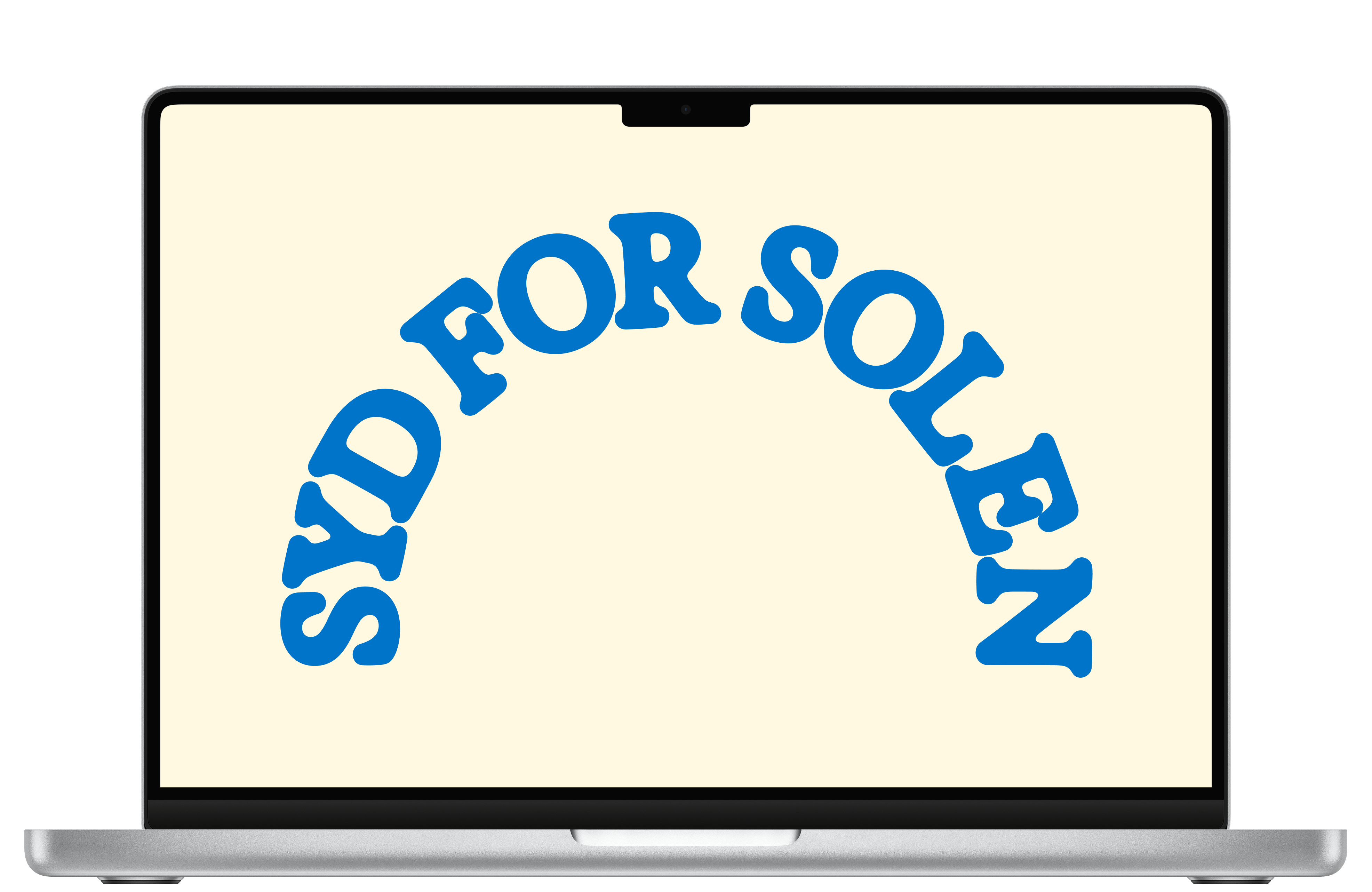
Syd for Solen
TrustMarket



Adwiseli


FREMTID
SKAL VI LØSEJERES UDFORDRING?
Lad os tage en uforpligtende snak om jeres udfordringer og se om vi er det rigtige match.